
Wipro Comnet Inc.

Hardware Repair Services

Wipro Comnet aims to provide efficient hardware repair services, minimizing downtime and maximizing productivity, restoring devices to peak performance quickly with our experienced technicians.

1. Diagnostic and Troubleshooting Services


Comprehensive Diagnostics: We use advanced diagnostic tools to identify hardware issues, ensuring precise and effective repairs accurately.

Error Identification: Our technicians are skilled at pinpointing the root causes of hardware failures, whether they stem from physical damage, software conflicts, or environmental factors.

Performance Analysis: We conduct thorough performance assessments to detect any underlying issues that may affect your hardware's functionality and longevity.

2. Component Repair and Replacement

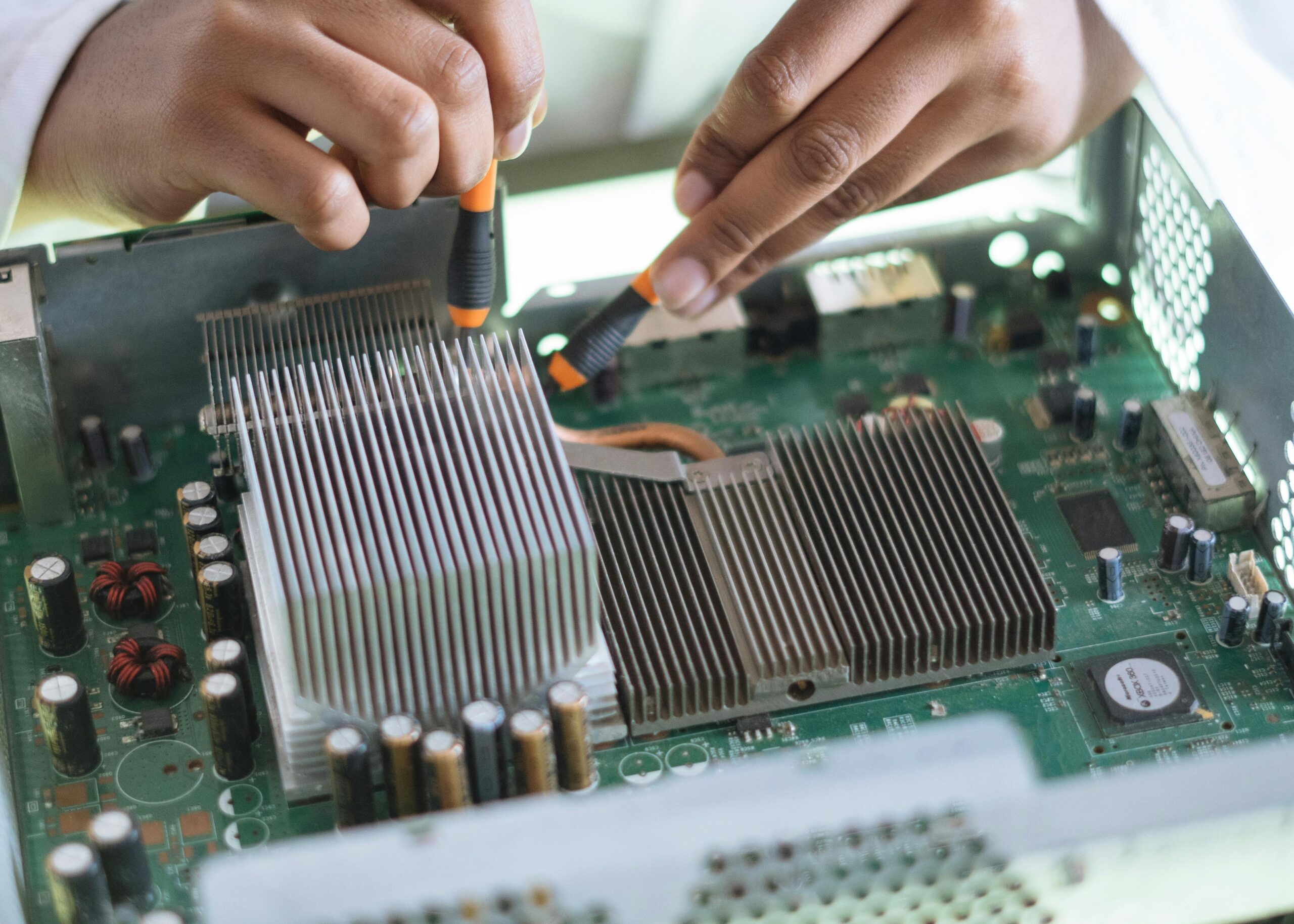
Motherboard Repair: Expert repair and replacement services for damaged or malfunctioning motherboards, ensuring your system’s core component is restored to optimal functionality.

CPU and GPU Services: Repair or replacement of central processing units (CPUs) and graphics processing units (GPUs) to address performance issues or hardware failures.

Memory and Storage Solutions: Repair or upgrade services for RAM, hard drives, and SSDs to enhance your system’s performance and storage capacity.

3. Screen and Display Repair

Laptop Screen Replacement: Swift and professional replacement of broken or malfunctioning laptop screens, including LED, LCD, and touchscreens.

Desktop Monitor Repair: Troubleshooting and repair services for desktop monitors experiencing issues such as flickering, dead pixels, or no display.

Mobile Device Screens: Repair and replacement services for smartphones and tablets, ensuring your portable devices are back in working order.

4. Peripheral Repair Services

Printer and Scanner Repair: Comprehensive repair services for printers and scanners, addressing issues such as paper jams, connectivity problems, and hardware malfunctions.

External Device Repairs: Repair services for external hard drives, SSDs, and other peripherals, ensuring data integrity and device functionality.

Input Devices: Repair or replacement of keyboards, mice, and other input devices to maintain seamless interaction with your computer systems.

5. Preventive Maintenance and Optimization

Regular Maintenance Checks: Scheduled maintenance services to prevent hardware failures and prolong the lifespan of your devices.

Firmware and Driver Updates: Ensuring your hardware components have the latest firmware and drivers installed for optimal performance and security.

System Cleaning Services: Physical cleaning of internal components to prevent overheating and dust accumulation, which can lead to hardware failures.